How to divert unanswered mobile calls to Ella
A simple UK guide to keeping your mobile ringing normally while Ella answers only when you are busy, out of signal or unable to pick up.
Ella by Telappliant
Author

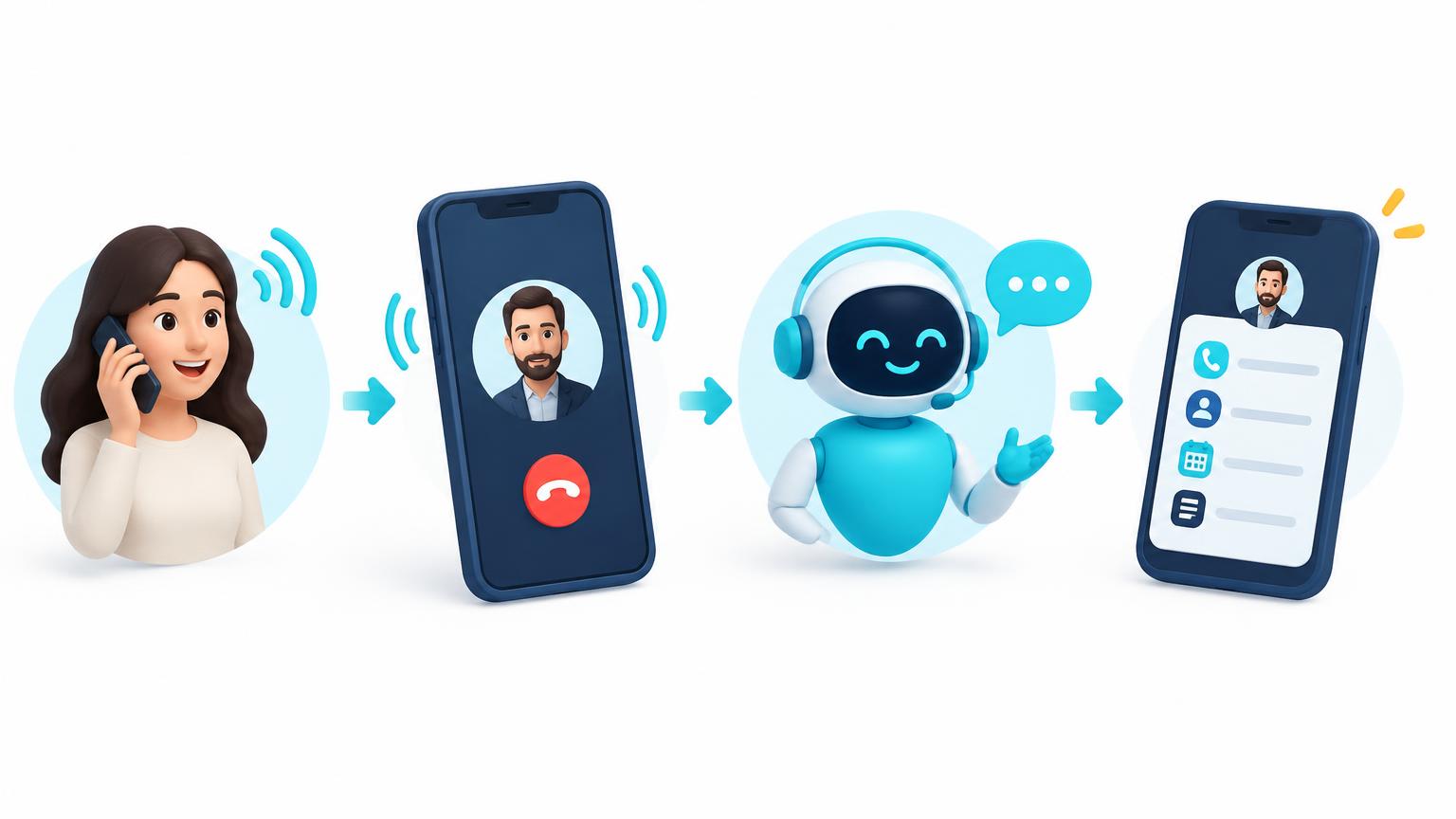
Yes - your mobile can ring as normal and pass the call to Ella only when you cannot answer. This is called conditional call forwarding, or a conditional call divert. It lets the human touch come first while Ella provides a reliable safety net when you are busy, out of signal or away from your phone.
Before you start
- Have the UK destination number supplied during your Ella setup ready
- Make the change from the mobile whose calls you want to divert
- Check that the phone has a mobile signal before entering a dialler code
- Keep a second phone nearby so you can test every condition afterwards
- Check your mobile plan because diverted calls may use inclusive minutes or incur standard call charges
Choose when Ella should answer
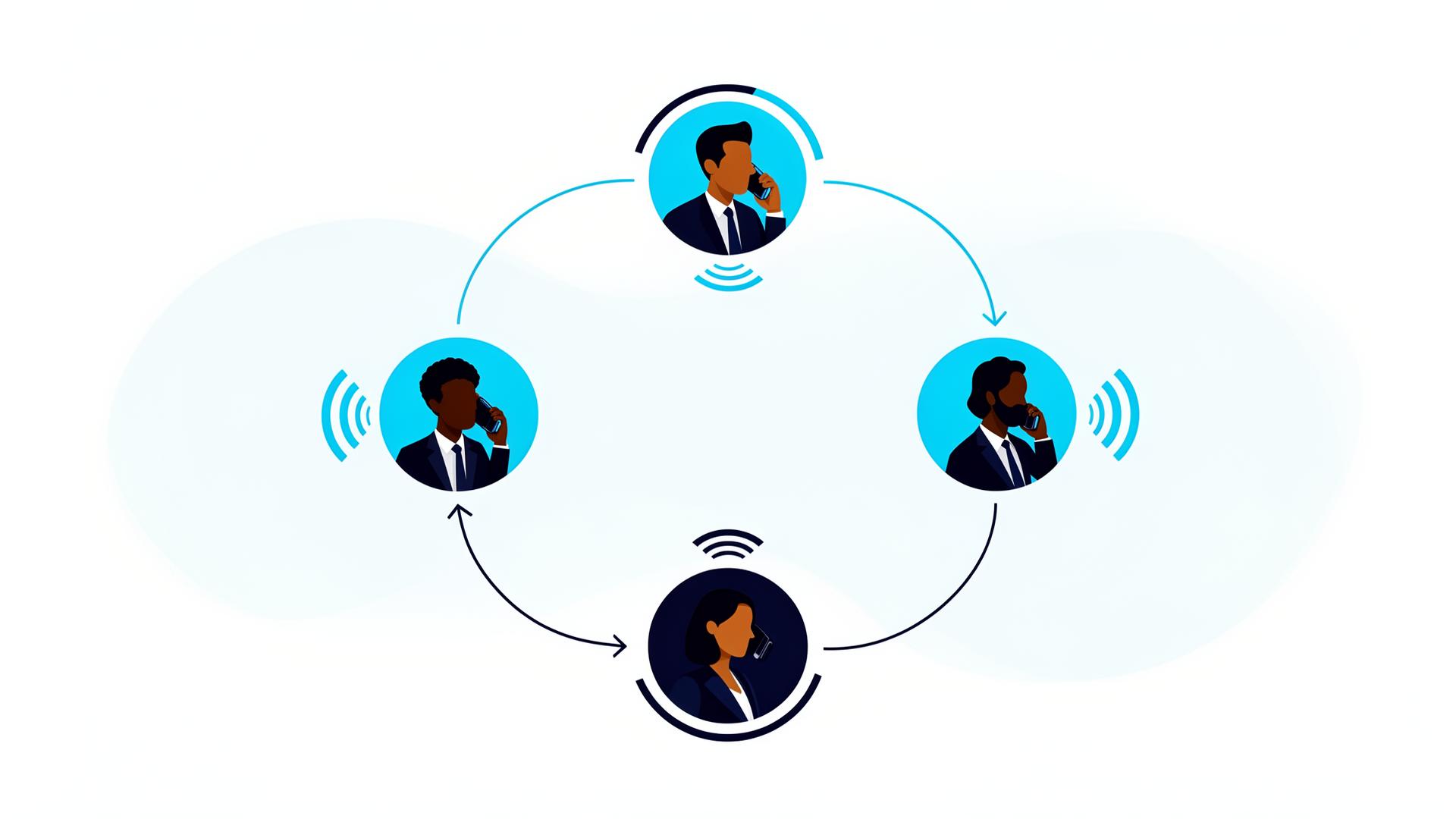
- Unanswered - your phone rings first, then Ella answers after your chosen delay
- Busy - Ella answers when you are already on another call
- Unreachable - Ella answers when your phone is switched off or has no signal
- All calls - every call goes straight to Ella without ringing your mobile
For a human-first setup, use the first three options together. Avoid diverting all calls unless you deliberately want Ella to be the first answer for a period such as a holiday, meeting or out-of-hours shift.
Build your mobile call divert codes
Enter the Ella number supplied during setup. Your number stays in this browser and is never sent or saved.
Use the UK number given to you for Ella
Your codes will appear here
Add your Ella number and choose at least one situation.
How to use a call forwarding code
- Open the normal Phone app and show the keypad
- Enter one activation code from the builder exactly as shown
- Tap the call button and wait for the network confirmation
- Repeat for each condition you want to use
- Enter each status code to confirm the divert is active
- Make test calls for unanswered, busy and unreachable situations
Network notes for EE, Vodafone, O2 and Three
EE
EE supports conditional and unconditional call diverts from the handset. You can use the dialler codes or the call forwarding options in your phone settings. EE says the divert must be set from the device rather than remotely by customer service.
Vodafone
Vodafone documents the same conditional codes and asks customers to use +44 format for the destination number. The builder does this automatically. Vodafone Pay As You Go customers can only divert incoming calls to voicemail, so contact Vodafone if you need to send calls to an Ella number.
O2
O2 uses the standard conditional forwarding codes. Be careful with ##002#: it clears every call divert and may also switch off O2 voicemail. If you still use voicemail, check it afterwards and reactivate it through O2 if necessary.
Three
Three does not clearly document the GSM dialler codes. Use the native call forwarding menu in your iPhone or Android settings instead. If conditional options are missing or voicemail keeps taking the call, ask Three to confirm what your tariff supports.
Using your iPhone or Android settings
Phone menus can be easier than dialler codes, but the options vary by network and software version. On an iPhone, look under Settings, Apps, Phone and Call Forwarding. On Android, open the Phone app, choose Settings, then Calling accounts, Supplementary services or Call forwarding. Some menus only offer all-call forwarding, so check that the option you choose says busy, unanswered or unreachable.
How to test that Ella receives the right calls
- Unanswered: call your mobile from another phone and let it ring past the chosen delay
- Busy: stay on a call, then ask someone to ring your mobile
- Unreachable: switch off your mobile, wait a minute, then call it
- Listen to Ella's greeting and complete a short test conversation
- Check that the call summary reaches the agreed inbox or system
- Call your mobile normally once more and answer it to confirm people can still reach you directly
Troubleshooting mobile call diversion
- Code rejected - check the number, use +44 instead of the first 0, confirm you have signal, then ask your network whether the tariff supports external diverts
- Voicemail answers first - shorten the unanswered delay or ask your network to change the voicemail divert
- Calls go straight to Ella - check that all-call forwarding is off by dialling *#21#
- No unanswered option in settings - use the **61* dialler code or contact your network
- Want to start again - use the individual cancellation codes first; ##002# clears everything but can also affect voicemail
- Using dual SIM - make sure you apply the divert to the SIM that receives your business calls
Will diverting calls cost anything?
Entering, checking or cancelling a divert code is normally free. When a call is forwarded, your mobile account usually pays for the forwarded part as though it had called the Ella destination number. It may come from your inclusive allowance or be charged at your standard rate. Roaming and Pay As You Go rules can differ, so confirm the cost with your network before relying on the setup abroad.
Keep people at the centre of your calls
Call diversion works best when it protects the conversations you cannot take, rather than getting between you and the people you can help personally. Let your mobile ring first. Answer when you are available. When you are not, Ella can greet the caller, capture why they called and make sure you have the information to respond properly.
See Ella answer calls for your business
Book a 30-minute demo. We will configure Ella for your sector so you can call in and hear it for yourself.